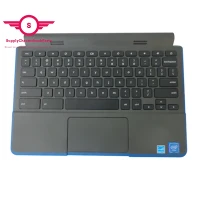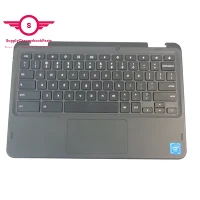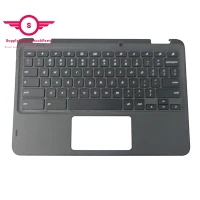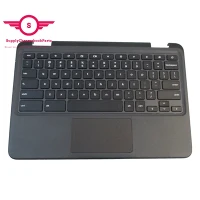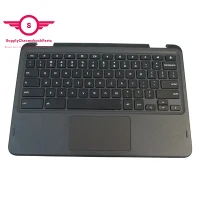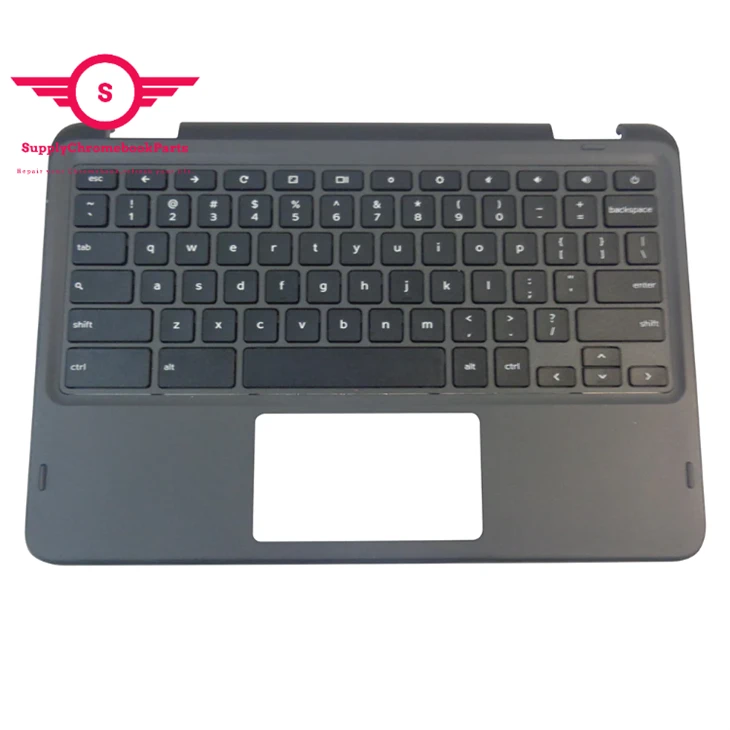
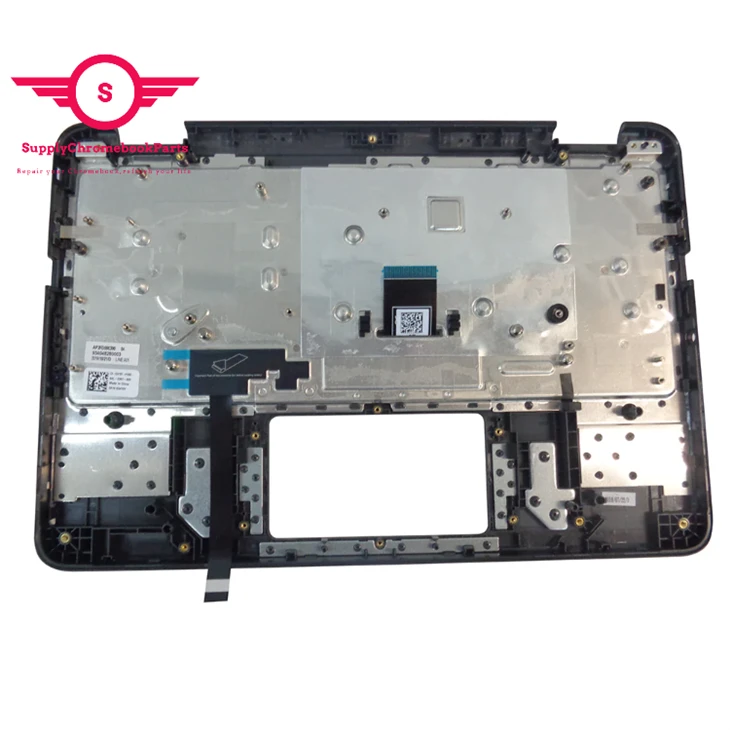
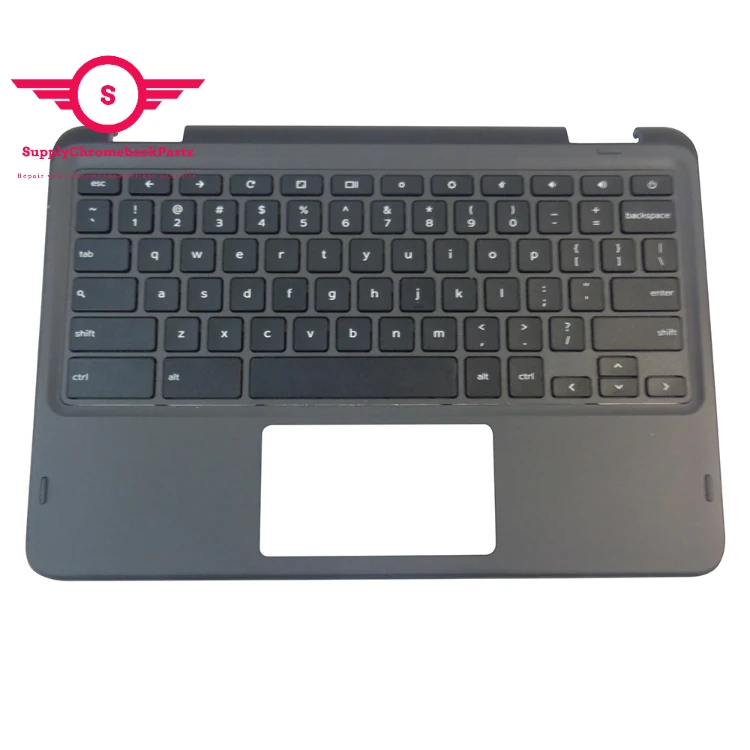
For Dell Chromebook 11 3100 2-in-1 Palmrest with Keyboard 34Y6Y
|
Condition |
100% Brand New and High Quality |
|
Type |
Palmrest&Keyboard |
|
Application |
Laptop Replacement Part |
|
MOQ |
30 pcs |
|
MPN |
34Y6Y |
|
Compatible Model |
For Dell Chromebook 11 3100 |
You May Like

Company Profile
SupplyChrombookparts registered in Hong Kong and headquartered in Shengzhen, Our company offers laptop parts with the best quality. We specialize in the supply of Chromebook parts and we have great advantages in price.We just do wholesale(no retail) full series of Chromebook parts, such as LCD display, LCD digitizer assembly, bezels, base covers, Keyboards & Palmrests, batteries, adapters and so on .

Sepcial Deal
| HINGE Set (L+R) PN:5H50W13775 Speakers PN:5SB0Z88662 LCD Base Cover PN: 5CB0Z69368 Keyboard US English w/C-cover,Click pad PN:5M11C85800 Lower Base Cover PN:5CB0Z69366 LCD Module,11.6",HD,Touch PN:5M11C85595 |
If you are interested ,please feel free to contact me.
Skype:supplychromebookparts@hotmail.com
Packing&shipping

FAQ
01.Q: What is the main function of the touchpad?
A: How do I enable my mouse and keyboard on my Chromebook? This is a question that many new Chromebook users may have. Thankfully, it's a simple process that doesn't require any special knowledge or tools.
First, if you're using a wireless mouse or keyboard, make sure that it's turned on and connected to your Chromebook via Bluetooth. You can check this by going to your Chromebook's settings and clicking on "Bluetooth".
If you're using a wired mouse or keyboard, simply plug it into one of your Chromebook's USB ports.
Once you have your mouse and keyboard connected, they should be automatically enabled and ready to use. If you're still having trouble, try restarting your Chromebook or checking for any updates that may be available.
With your mouse and keyboard enabled, you can now enjoy the full functionality of your Chromebook and get to work!
02.Is A touchpad better than a mouse?
A. When it comes to choosing between a touchpad and a mouse, it ultimately depends on personal preference and usage.
A touchpad is built into most laptops and can be an efficient alternative to a mouse as it reduces the need for additional equipment. Touchpads are also great for those constantly on-the-go and working in tight spaces. However, they can be more difficult to use for tasks that require fine control and precision.
On the other hand, a mouse provides more control and precision, making it a better option for graphic designers, gamers, and those who frequently work with detailed documents or spreadsheets. Mice also come in a variety of shapes and sizes to fit individual comfort levels and needs.
In conclusion, both touchpads and mice have their strengths and weaknesses. Ultimately, the decision boils down to personal preference and intended use.
Hot Tags: for dell chromebook 11 3100 2-in-1 palmrest with keyboard 34y6y, China for dell chromebook 11 3100 2-in-1 palmrest with keyboard 34y6y suppliers