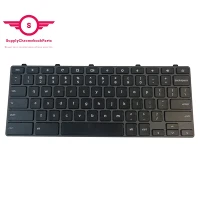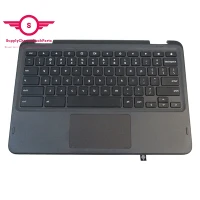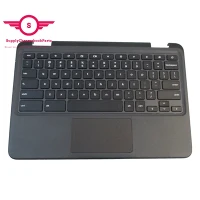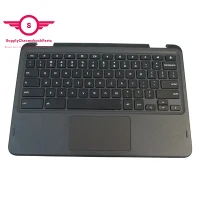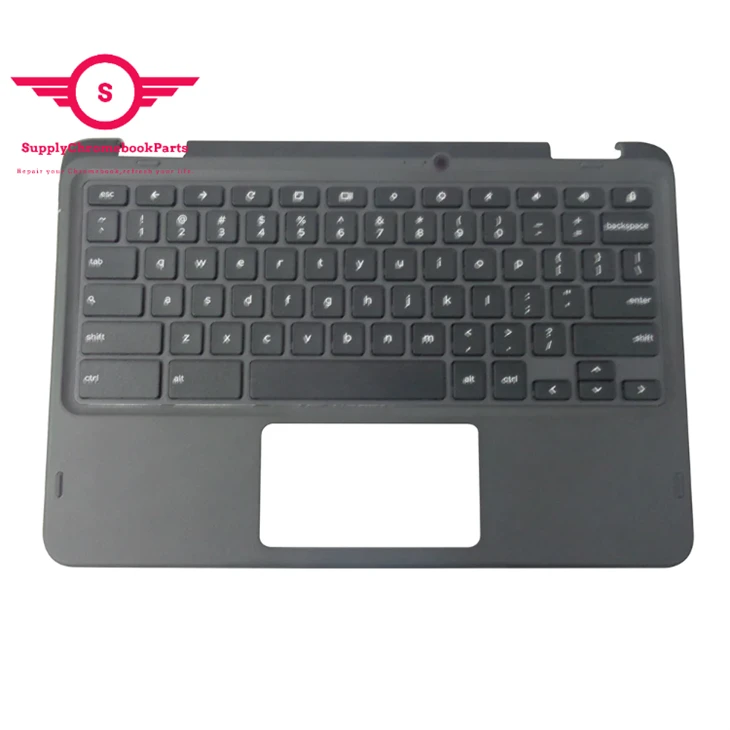
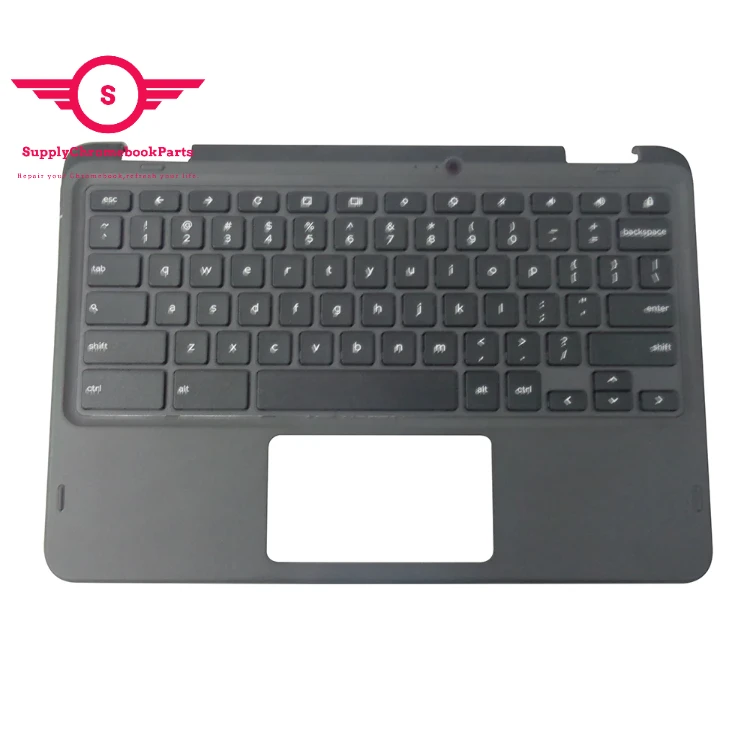
For Dell Chromebook 5190 2-in-1 Palmrest 2W44K with Camera Hole
|
Condition |
100% Brand New and High Quality |
|
Type |
Palmrest&Keyboard |
|
Application |
Laptop Replacement Part |
|
MOQ |
30 pcs |
|
MPN |
2W44K |
|
Compatible Model |
For Dell Chromebook 5190 2-in-1 |
You May Like

SupplyChromebookparts registered in Hong Kong and headquartered in Shengzhen, Our company offers laptop parts with the best quality. We specialize in the supply of Chromebook parts and we have great advantages in price.We just do wholesale(no retail) full series of Chromebook parts, such as LCD display, LCD digitizer assembly, bezels, base covers, Keyboards & Palmrests, batteries, adapters and so on .

Special Deal
| Wifi Card 5W10V25774 LCD Module 5M11C85595 System Board - N5100,4G,64Ge 5B21D19914 Battery 5B11B36312 L20M3PG0 HINGE Set (L+R) 5H50W13775 IO board 500W GEN3 5C50Z44743 Speakers 5SB0Z88662 Camera 5C21B89907 LCD Cable 5C11C12540 Lower Base Cover 5CB0Z69366 |
If you are interested ,please feel free to contact me.
Skype:supplychromebookparts@hotmail.com
Packing&shipping
All parts will be packed in a professional box with bubble bags. All parts will be carefully and properly packed into your hands.
1.Ship by Courier Express(4-7 Working days), we can suggest you good and cheaper shipping agent if needed!
2.Express Company like DHL, FEDEX, TNT, UPS etc.(3-5 working days)
3.China Post Air Mail.(About15-35days according to your location)

FAQ
01.Q: Why is touchpad better?
A: When it comes to choosing between a touchpad and a mouse, it ultimately depends on personal preference and usage.
A touchpad is built into most laptops and can be an efficient alternative to a mouse as it reduces the need for additional equipment. Touchpads are also great for those constantly on-the-go and working in tight spaces. However, they can be more difficult to use for tasks that require fine control and precision.
On the other hand, a mouse provides more control and precision, making it a better option for graphic designers, gamers, and those who frequently work with detailed documents or spreadsheets. Mice also come in a variety of shapes and sizes to fit individual comfort levels and needs.
In conclusion, both touchpads and mice have their strengths and weaknesses. Ultimately, the decision boils down to personal preference and intended use.
02.Q.How do I adjust my touchpad?
A. If you're having trouble with your laptop's touchpad, don't worry - adjusting its settings is a simple process. Here's how to do it:
1. Open the Control Panel and select "Mouse".
2. From there, select the "Touchpad" tab.
3. You will see various options such as sensitivity, scrolling speed, and tapping. Adjust these settings to your liking.
4. If you're still experiencing issues, make sure your touchpad drivers are up to date. Check your laptop manufacturer's website for the latest drivers.
Adjusting your touchpad settings can make all the difference in improving your laptop's functionality. Give it a try and see what works best for you!
Hot Tags: keyboard for dell chromebook 5190 2-in-1 palmrest 2w44k with camera hole, China keyboard for dell chromebook 5190 2-in-1 palmrest 2w44k with camera hole suppliers