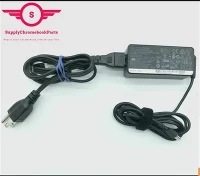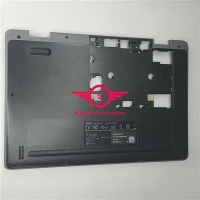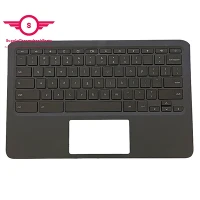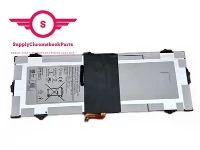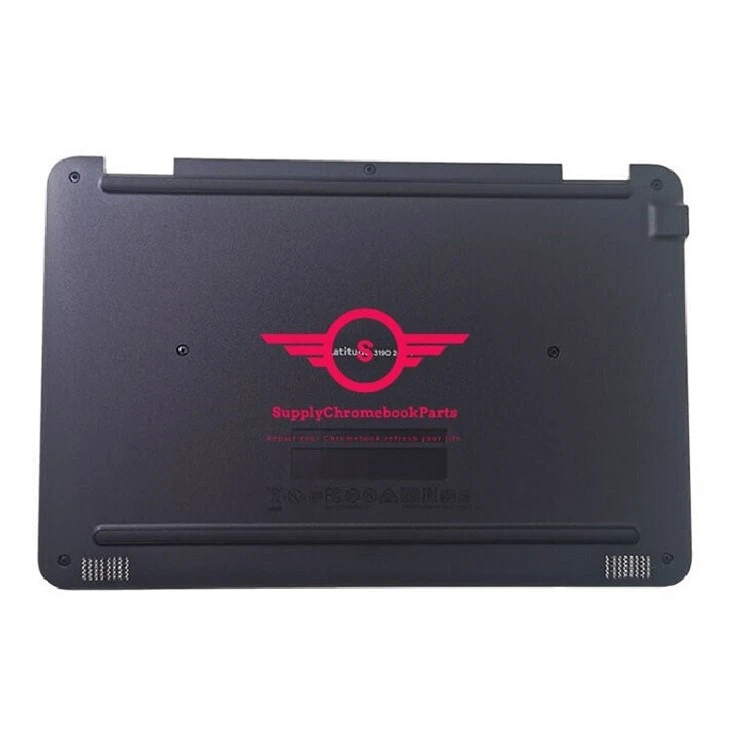
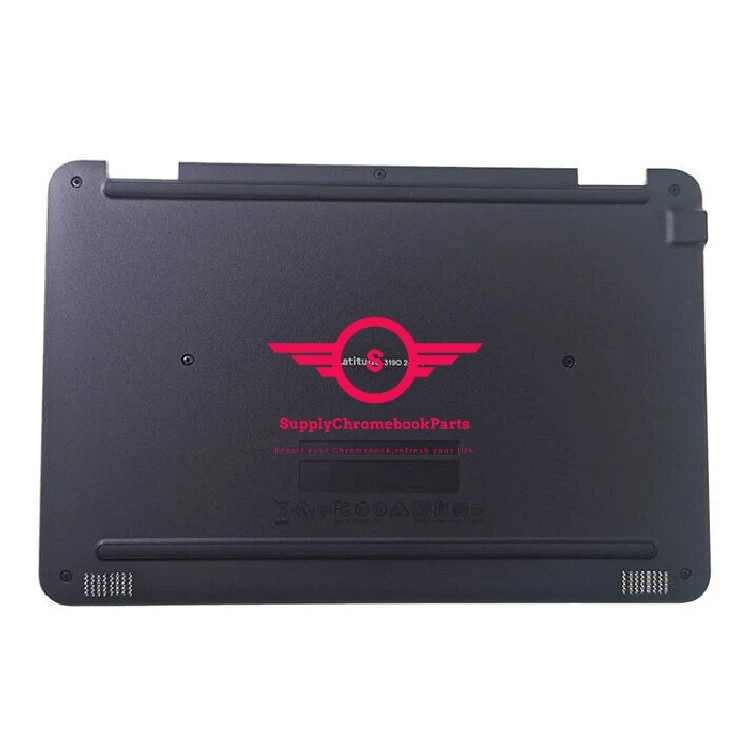
For Dell Latitude E3190 2-in-1 Chromebook Replacement Bottom Cover 0T55VY
|
Condition |
100% Brand New and High Quality |
|
Type |
Palmrest&Keyboard |
|
Application |
Laptop Replacement Part |
|
MOQ |
30 pcs |
|
MPN |
0T55VY |
|
Compatible Model |
For DELL Chromebook |
You May Like

SupplyChrombookparts registered in Hong Kong and headquartered in Shengzhen, Our company offers laptop parts with the best quality. We specialize in the supply of Chromebook parts and we have great advantages in price.We just do wholesale(no retail) full series of Chromebook parts, such as LCD display, LCD digitizer assembly, bezels, base covers, Keyboards & Palmrests, batteries, adapters and so on .

Why choose us?
1. Quality: Our products and services are of the highest quality, guaranteed to meet or exceed your expectations.
2. Affordability: We believe in providing great value for your money, with competitive pricing and reasonable rates.
3. Customer service: Our team of experts is always ready to assist you with any questions or concerns you may have. We are committed to delivering excellent customer service every time.
4. Innovation: We are constantly pushing the envelope and looking for new ways to improve our products and services, so you can stay ahead of the curve.
5. Trust: With years of experience, a strong reputation in the industry, and a commitment to honest and fair dealings, you can trust us to deliver on our promises.
Packing&shipping

FAQ
01.Q: How many keycaps are on a laptop?
A: When it comes to laptop keyboards, one important question that often comes up is how many keycaps are on a laptop. The answer to this question depends on the specific laptop model, as well as the size and layout of the keyboard.
Typically, most laptop keyboards have between 80 and 110 keycaps, which include letters, numbers, symbols, and function keys. The exact number of keycaps can vary depending on factors such as the use of a numeric keypad, the inclusion of multimedia function keys, and the placement of certain keys like the arrow keys.
While the number of keycaps on a laptop may be fewer than on a full-sized desktop keyboard, laptop keyboards are designed to be compact and efficient, without sacrificing functionality. So whether you're typing up a paper, playing a game, or simply browsing the web, your laptop keyboard should have enough keycaps to get the job done.
02.Q. Do you often find yourself struggling to clean underneath your laptop keyboard keys?
A. It can be quite a tedious task to remove each key and clean the area underneath. Fortunately, there are some simple tricks that you can use to clean your laptop keyboard keys without having to remove them. Here are some effective ways to get the job done:
1. Use Compressed Air: You can use a can of compressed air to blow away any dust or debris that might be stuck under your keyboard keys. Spray the air in short bursts, and make sure to hold the can upright to prevent any liquid from coming out of it.
2. Use a Keyboard Cleaning Gel: Keyboard cleaning gel is a great way to get rid of any dirt or grime hiding under your keyboard keys. Simply apply the gel to the surface of your keyboard and let it sit for a few moments. Then, use a clean, dry cloth to wipe away the excess gel.
3. Use a Soft Brush: If you don't have any compressed air or cleaning gel, using a soft-bristled brush is a great alternative. Gently brush the keys and the area around them to remove any dust or debris that might be trapped.
By utilizing these simple methods, you can keep your laptop keyboard clean and working efficiently. Say goodbye to the hassle of removing each key and hello to a clean keyboard!
Hot Tags: for dell latitude e3190 2-in-1 chromebook replacement bottom cover 0t55vy, China for dell latitude e3190 2-in-1 chromebook replacement bottom cover 0t55vy suppliers, for Acer Chromebook Spin R753T Lcd, 45W Ac charger, For Lenovo Chromebook Screen, KT 00407 008, 6M GNJN7 001, KT 00305 011