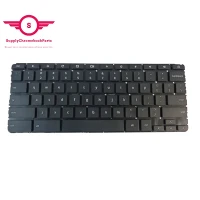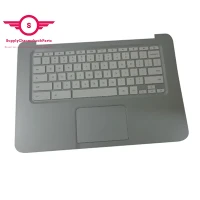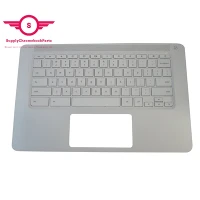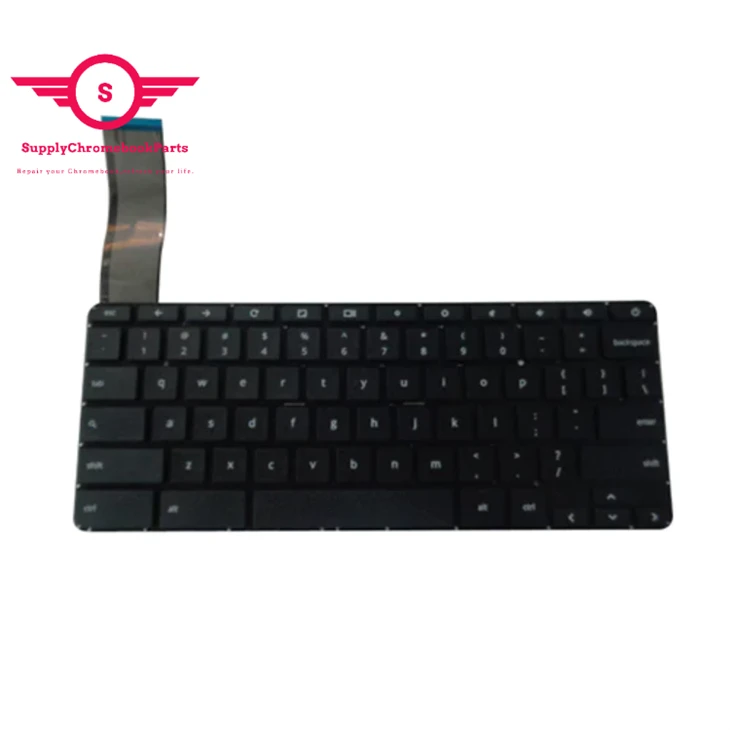
|
Condition |
100% Brand New and High Quality |
|
Type |
Palmrest&Keyboard |
|
Application |
Laptop Replacement Part |
|
MOQ |
30 pcs |
|
Compatible Model |
For HP Chromebook 14-X |
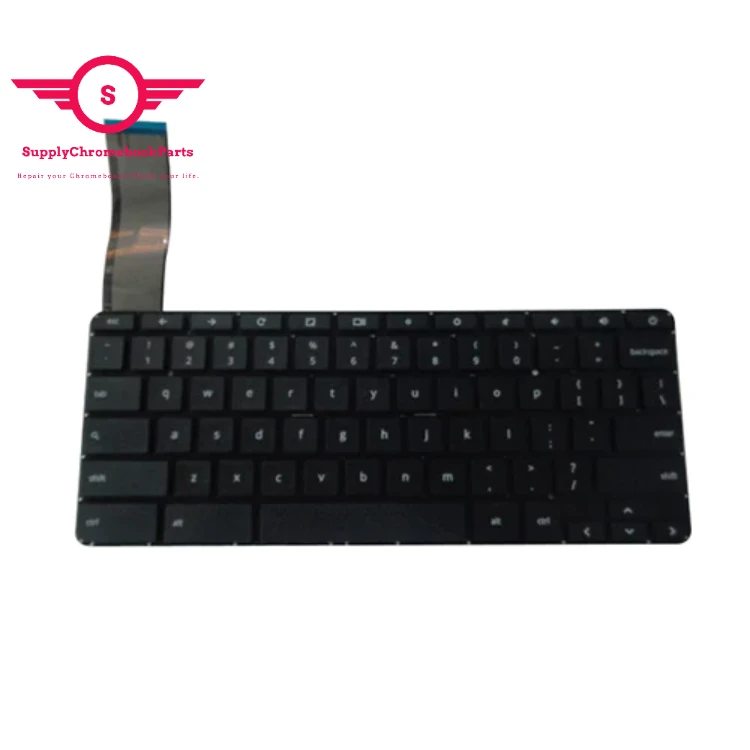
How to replace the keyboard?
To replace the keyboard, you need to disassemble the bottom case of your laptop at first.
Then you will see the motherboard, when you take the motherboard down, there is a metal sheet cover the keyboard,
you can use a knife cut off the plastic moulded rivets around the sheet, then you can remove the sheet and replace the keyboard.
Because the the plastic moulded rivets is one off, you can glue the metal sheet edge to fix the keyboard.
You May Like

Company Profile
SupplyChrombookparts registered in Hong Kong and headquartered in Shengzhen, Our company offers laptop parts with the best quality. We specialize in the supply of Chromebook parts and we have great advantages in price.We just do wholesale(no retail) full series of Chromebook parts, such as LCD display, LCD digitizer assembly, bezels, base covers, Keyboards & Palmrests, batteries, adapters and so on .welcome to inquiry us .

Packing&shipping

FAQ
01.Q: Can you provide a laptop keyboard?
A: Yes, we have a full range of chromebook keyboards and support wholesale keyboards!
02.Q. How do you fix a loose laptop key?
A. Purchase the corresponding type of keycaps and have a technician install them.
03.Q:How Can I Find My Laptop Key?
A: The model number can usually be found on the bottom of your laptop, LCD monitor or touch pad.
04.Q:Is your Chromebook keyboard not working?
A:This can occasionally happen on convertible Chromebooks than can convert into a tablet. Usually, you can fix it by flipping the device back to tablet mode, waiting for a second, and flipping it back to laptop mode. If not, try a quick restart.
Hot Tags: laptop keyboard for hp chromebook 14-x, China laptop keyboard for hp chromebook 14-x suppliers